
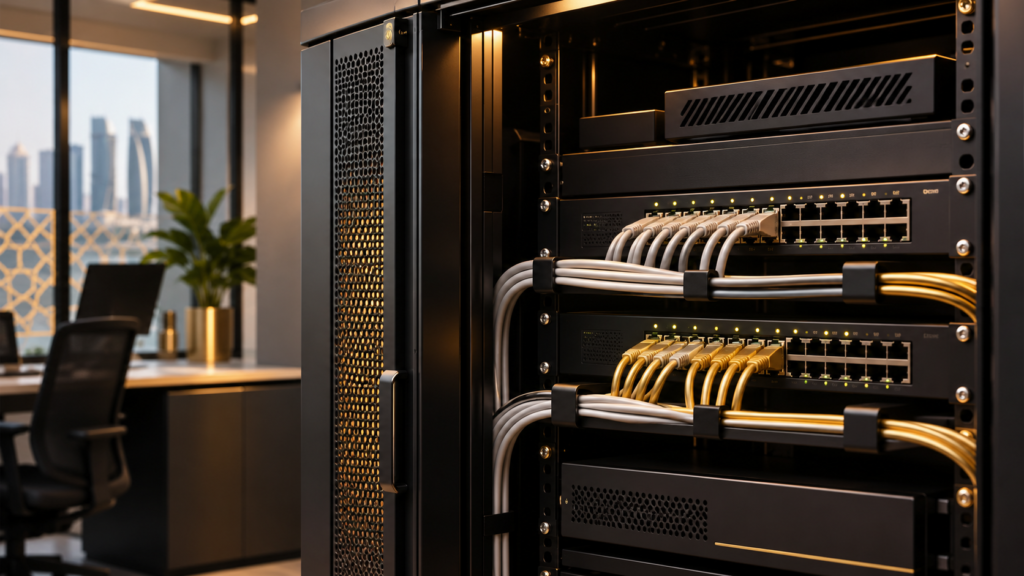
A reliable network helps a small business keep its people, systems and data connected. But routers, office Wi-Fi, computers, servers and security devices also need regular checks. This guide explains practical steps for reviewing small business network security in Qatar, from an asset inventory to backups and ongoing monitoring.
Whether your business operates from an office, shop or warehouse in Doha or elsewhere in Qatar, start with an assessment of the systems you actually use. Arrange any technical testing with the network owner and agree the scope before work begins.
1. List the devices and services on your network
Create a simple inventory of your router and firewall, switches, Wi-Fi access points, computers, servers, printers and connected security devices. Include cloud services and remote connections that your team depends on.
For each item, record its owner, purpose, location, software version and who can administer it. A basic network diagram can help you understand how devices connect and identify equipment that is no longer needed.
2. Review internet exposure and firewall rules
Check which services can be reached from outside your office and whether each one has a business reason to be accessible. Review firewall rules, remote administration and port forwarding with a qualified administrator. Remove access that is no longer required and restrict necessary access to authorised users and devices.
Use controlled testing within the agreed scope. A port being open does not automatically mean it is unsafe; the important questions are which service is exposed, why it is needed and how it is protected.
3. Secure office and guest Wi-Fi
Change default administrator credentials on your router and access points. Use strong, unique passwords and a current Wi-Fi security standard supported by your equipment. Keep guest access separate from business systems, and review who has access when staff or contractors leave.
Where appropriate, separate sensitive systems, staff devices, guests and connected equipment into different network segments. The right design depends on your equipment and the operational needs of your site.
4. Update devices and limit administrator access
Maintain a schedule for updates to operating systems, applications, firewall software and device firmware. Check that updates have succeeded and replace unsupported equipment when it can no longer receive appropriate security fixes.
Give each person only the access required for their role. Use individual accounts rather than shared administrator logins, review permissions regularly and enable multi-factor authentication wherever it is available, particularly for email, remote access and important cloud accounts.
5. Protect data with tested backups
Identify the files, systems and configurations your business needs to recover after an outage or security incident. Back them up regularly, keep a protected copy separate from the systems being backed up, and limit who can change or delete backup data.
A backup is useful only if it can be restored. Schedule recovery tests, document the results and agree who is responsible for responding when a backup fails.
6. Check connected cameras and security systems
CCTV cameras, recorders and access control devices can also connect to the business network. Include them in your inventory and check account permissions, firmware, remote access and the connections they need. Coordinate changes with the system administrator so that security improvements do not interrupt recording or access.
7. Monitor, document and review
Review relevant device and security logs, investigate unusual activity and document important changes. Keep contact details for your IT provider and a simple incident response plan accessible to the people who need them.
Repeat the review after major network changes and at intervals that suit your business. Record findings by risk and business impact, assign an owner and track each action through to completion.
Small business network security checklist
- Maintain an inventory of devices, applications and external connections.
- Review firewall rules, remote access and internet-facing services.
- Protect Wi-Fi and separate guest access from business systems.
- Install updates and use multi-factor authentication where available.
- Back up critical data and test that it can be restored.
- Review connected security devices, logs and user permissions.
Frequently asked questions
How often should a small business review its network security?
Review it regularly and after significant changes, such as adding an office, replacing a firewall or introducing remote access. The appropriate frequency depends on the systems, risks and responsibilities involved.
Do small offices in Qatar need network segmentation?
Segmentation can help limit unnecessary access between guests, staff and sensitive systems. Whether it is suitable, and how to implement it, depends on your network design and operational requirements.
Can security cameras affect network security?
Yes. Network-connected cameras and recorders should be included in access, update and remote-connection reviews, just like other connected devices.
Discuss your site requirements in Qatar
AL MAJD works with security systems and networking solutions in Qatar. If you are planning changes to your connected site, contact our team to discuss your requirements and the appropriate scope of work.
For further reading, see NIST’s small business cybersecurity basics, which covers updates, access controls and tested backups.